

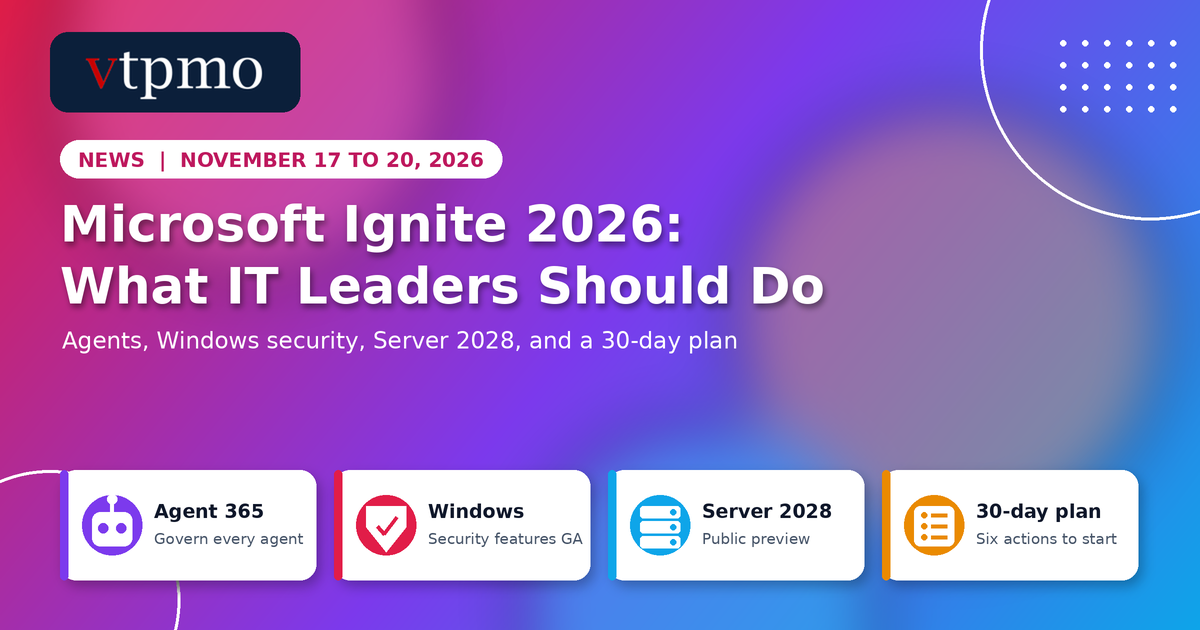
Microsoft Ignite 2026 ran from November 17 to 20 at the Moscone Center in San Francisco. The headline was clear: Microsoft wants enterprises to run AI agents at scale, and it wants IT to govern them with the same tools it already uses for people and devices.
For IT leaders, the useful question is not what sounded impressive on stage. Instead, it is what to pilot, budget, or lock down before 2027 planning closes. This briefing pulls the most practical Microsoft Ignite 2026 announcements from Microsoft’s own posts and turns them into a short action list.
What Microsoft announced at Microsoft Ignite 2026
Satya Nadella opened the event on November 17. Meanwhile, the Windows team published its own set of announcements the same day. Across both posts, five themes matter most for enterprise IT:
- Agent governance: Agent 365 is positioned as the control plane for agents, and its policies now extend to local agents on Windows.
- Windows security: a new endpoint security platform and administrator protection are generally available.
- Agent infrastructure: Windows 365 for Agents gives agents their own Cloud PCs joined to Microsoft Entra.
- Organizational knowledge: Work IQ and Microsoft IQ aim to give Copilot and agents business context.
- Servers: Windows Server 2028 entered public preview.
Agent governance moves to the center
Microsoft describes Agent 365 as “a control plane that extends your existing governance, identity, security and management systems.” In other words, agents are meant to be managed like users and devices, not as a separate shadow estate. Microsoft also stated that Agent 365 already holds over 50 million agents.
Two related announcements deserve attention. First, Agent 365 Business Analytics is a new tool for tracking AI spend and outcomes, which Microsoft compared to “your ERP system for AI usage.” Second, the Windows team said Agent 365 governance and policies now extend to local agents, including agents running on Windows PCs.
Similarly, Windows 365 for Agents gives agents secure Cloud PCs joined to Microsoft Entra. It is available as a computer-use tool in Copilot Studio and is now eligible for Copilot Credits. Preview support in Microsoft Foundry is planned for early 2027.
What this means: if your organization has not yet defined who approves an agent, which identity it runs under, and who pays for it, you are now behind the tooling. Our guide to chartering an AI governance committee covers those decisions. For the budget side, see how to set Copilot Credits spending policies.
Windows security changes worth piloting
Among all the Microsoft Ignite 2026 news, the Windows announcements are the most immediately useful for infrastructure and security teams. Several are generally available now:
- Windows endpoint security platform (generally available): security vendors can move critical protections from kernel mode to user mode. Microsoft named partners such as CrowdStrike, Bitdefender, ESET, SentinelOne, Sophos, and Trellix. As a result, a faulty security update is less likely to take down the operating system.
- Windows administrator protection (generally available): local administrators run with standard user rights by default. Windows Hello then approves elevation for each task.
- Windows baseline protection (preview): secure boot, virtualization-based security, and memory integrity roll up into one state. Therefore, IT gets a yes-or-no answer for each device.
- Windows Autopatch: Microsoft reported that Autopatch customers deploy updates over 40 percent faster than on-premises management, with one reboot a month.
Administrator protection is the quickest win for most regulated organizations. However, test it with help desk and developer groups first, because elevation prompts change daily habits.
Windows Server 2028 enters public preview
Windows Server 2028 is now in public preview, one of the quieter Microsoft Ignite 2026 updates. Microsoft highlighted Trusted Launch VMs, post-quantum cryptography, and a hardened operating system baseline. In addition, servers and PCs can be managed as one fleet with Intune, Windows Autopatch, and Azure Arc.
Preview builds are not for production. Still, teams with Windows Server 2016 or 2019 estates should add a 2028 lab to their 2027 roadmap now, especially where post-quantum readiness is on the audit agenda.
Copilot, Work IQ, and the data underneath
Microsoft described Work IQ as the knowledge layer behind Copilot. It covers people, documents, email, meetings, chats, and projects. Microsoft IQ extends that idea across Fabric, Foundry, Microsoft 365, and third-party data, with what Microsoft called “hundreds of new connectors.” Microsoft also introduced Copilot Workspaces, a shared space where people and agents work together.
The practical takeaway is familiar. Consequently, the more context Copilot and agents can reach, the more your permissions, sensitivity labels, and data ownership matter. Oversharing problems that were tolerable in SharePoint become visible the moment an agent can search everything.
On the policy side, Microsoft announced an AI Transparency Initiative. It includes expanded collaboration in NIST’s Agent Standards Initiative, and Microsoft said 40 organizations are already working with it on those standards. Microsoft also announced that Perception, an agentic security system with red, blue, and green agent teams, is generally available.
A 30-day Microsoft Ignite 2026 action list
| Action | Owner | Why now |
|---|---|---|
| Inventory agents already in use, including Copilot Studio and third-party agents | AI lead and security | Agent 365 assumes you know what exists |
| Pilot Windows administrator protection with one business unit | Endpoint engineering | Generally available and low cost |
| Ask your endpoint security vendor about its user-mode roadmap | CISO | Reduces kernel-level outage risk |
| Set a Copilot Credits budget owner and cap | Finance and IT | Windows 365 for Agents now draws on Copilot Credits |
| Review SharePoint and Teams oversharing reports | Microsoft 365 admins | Work IQ and connectors widen what agents can see |
| Stand up a Windows Server 2028 lab | Infrastructure | Plan upgrades and post-quantum testing for 2027 |
Finally, confirm licensing and timing in the Microsoft 365 roadmap and admin center before you commit budget. Several announcements did not include prices or dates.
Frequently asked questions
When was Microsoft Ignite 2026?
Microsoft Ignite 2026 took place November 17 to 20, 2026, at the Moscone Center in San Francisco, with digital sessions. Satya Nadella delivered the opening keynote on November 17.
What is Agent 365?
Agent 365 is Microsoft’s control plane for AI agents. It extends existing identity, security, governance, and management systems to agents. At Ignite, Microsoft extended its policies to local agents on Windows.
Which Ignite 2026 announcements are generally available?
Microsoft listed the Windows endpoint security platform, Windows administrator protection, and Perception as generally available. By contrast, Windows Server 2028 and Windows baseline protection are in preview.
How VTPMO can help
VTPMO is a Microsoft Solution Provider with deep delivery experience in regulated industries. We help IT leaders turn announcements like these into governed rollouts, from Copilot and agent readiness to identity, security, and spend controls. Explore our Microsoft 365 and Azure services and our AI adoption and governance services, or talk with our team about your 2027 plan.