

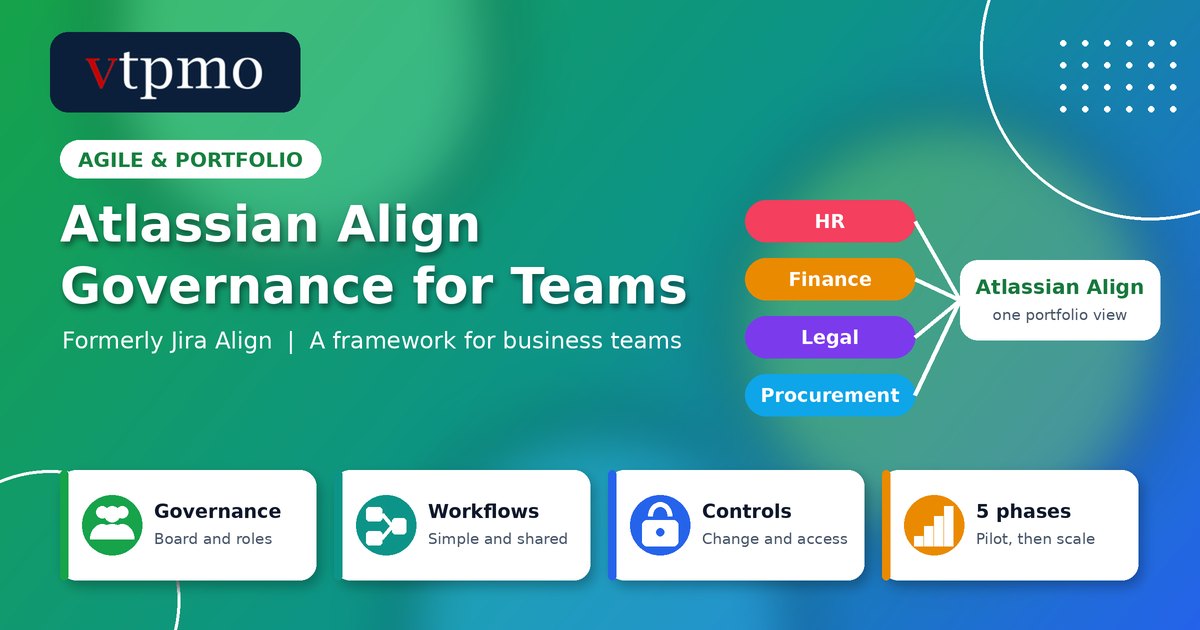
Atlassian Align (formerly Jira Align) governance is usually designed around software release trains. Yet Atlassian describes Align as a way to connect the work that “IT, Dev, and business teams” do to company goals. When HR, Finance, Legal, or Procurement join the platform, the governance model has to stretch to fit them.
This guide outlines a practical Align governance framework for business teams that do not run Scrum or ship software. It covers who decides, how to configure work for non-technical processes, how to control change, and how to roll out in phases.
Why business teams need Align governance
Business functions already carry strategic work. For example, HR runs onboarding improvements, Finance runs close and budget cycles, and Legal manages policy and contract reviews. However, that work often sits in spreadsheets and email, so leaders cannot see it next to technology investments.
The Scaled Agile Framework makes the same point. Its Business and Technology article says Lean-Agile adoption “affects not just development but every part of the organization,” and it names marketing, finance, legal, and HR. Align can give that work a home. Without governance, though, each department invents its own fields, statuses, and reports. As a result, the portfolio view becomes harder to trust, not easier.
Set up an Align governance board
Start with a small board that owns configuration and priorities across departments. Include one representative from each participating function, plus IT and an executive sponsor. In most organizations, a monthly or quarterly meeting is enough, with ad hoc sessions for urgent changes.
The board should approve configuration changes, review usage and feedback, resolve cross-department dependencies, and confirm that compliance needs such as SOX or GDPR are met. Then define four roles:
- Align administrator: manages configuration, user access, and integrations, and enforces data security policies.
- Departmental champions: act as the link between each team and the board, train peers, and promote standard practices.
- Executive sponsors: connect department goals to enterprise objectives and review outcomes in reports and dashboards.
- End users: follow the defined workflows, join training, and report issues or ideas.
Configure work the way business teams actually work
Align’s work hierarchy runs from themes to epics, capabilities, features, and stories. Capabilities apply mainly to large solutions that span several release trains, so most business portfolios can skip them. Instead, map business work to the levels leaders already recognize. For instance, an HR theme such as “Employee Engagement” can hold an epic for “Onboarding Process Improvement.”
Next, keep workflows close to real processes and keep status names plain. A few examples:
- Legal: Draft, Review, Approved
- Procurement: Requisition, Approval, Purchase
- Shared statuses across departments: Pending, In Progress, Completed
Add department-specific work types only where they change how work is handled, such as “Policy Update” for Compliance or “Campaign” for Marketing. Above all, limit customization. Every new field or status adds reporting and training cost. Reuse an existing field whenever it will do.
Build change and access control into Align governance
Treat configuration like any other controlled change. A department submits a change request, the board reviews necessity, impact, and strategic fit, and the administrator tests the change in a non-production environment before release. Keep the change log, approvals, and configuration notes on one Confluence or SharePoint page so auditors and new admins can follow the history.
Access needs the same discipline. Apply least-privilege roles so that, for example, accounting data is visible only to authorized users. In addition, connect Align to your identity provider for single sign-on and remove access promptly when people change roles or leave.
Track milestones and outcomes, not just tasks
Business leaders care about dates and results, so good Align governance tracks both. Therefore, link milestones to themes, epics, and features, and use a short, consistent status set such as Not Started, In Progress, At Risk, Delayed, and Complete. Owners should update milestones at each planning or review event, and flag risks in the work item before they become surprises.
Connect the same work to objectives and key results. Align supports OKRs at the strategy, portfolio, program, and team levels, and Atlassian documents an objectives tree view that shows key result progress in one place. That view is often what executive sponsors want first. For a related process, see our guide to building a portfolio intake process in Align.
A phased rollout plan
In practice, Align governance works best when the rollout is staged and visible. The overlapping windows below reflect a typical program; adjust them to your size and change capacity.
| Phase | Typical window | Key outcomes |
|---|---|---|
| 1. Planning | Months 1 to 4 | Board formed, roles defined, use cases gathered, pilot departments chosen (often HR and Finance) |
| 2. Configuration and testing | Months 2 to 5 | Workflows, work types, and dashboards built and tested in a sandbox; admins and champions trained |
| 3. Pilot and training | Months 3 to 6 | Pilot departments live, user training delivered, feedback used to refine configuration |
| 4. Full rollout | Months 6 to 12 | Remaining departments onboarded, integrations and automation added, regular board cadence set |
| 5. Optimization | Ongoing | Usage metrics reviewed, quarterly training held, configuration updated as rules change |
Frequently asked questions
Do business teams need to adopt SAFe to use Align?
No. Business teams can use Align for strategic alignment, milestones, and reporting while keeping traditional or hybrid methods. However, a shared planning cadence makes cross-department dependencies far easier to manage.
Which departments should pilot Align first?
Choose departments with clear, repeatable processes and an engaged leader. HR and Finance are common choices because their work maps well to themes, epics, and milestones.
How long does an Align governance rollout take?
Most organizations should plan on six to twelve months to reach full rollout across business functions. After that, governance shifts to ongoing optimization and quarterly reviews.
How VTPMO can help
VTPMO’s Atlassian platform specialists, including Atlassian Certified Professionals, design Align governance, configuration, and training for enterprise portfolios. We bring that experience to financial services, healthcare, and government organizations. Learn more about our Scaled Agile and Align services and Atlassian services, or contact us to plan your rollout.